> For the complete documentation index, see [llms.txt](https://faq.wanttopay.net/wanttopay-app/llms.txt). Markdown versions of documentation pages are available by appending `.md` to page URLs; this page is available as [Markdown](https://faq.wanttopay.net/wanttopay-app/english/kak-polzovatsya-kartoi/billing-adres.md).
# Billing Address
#### **What is a billing address?**
With every Wanttopay virtual card, you receive a billing address. It is not strictly tied to the card, but some services require the card country to match the payment details provided (for example, the App Store or Claude AI).
#### **Where can I find the card’s billing address?**
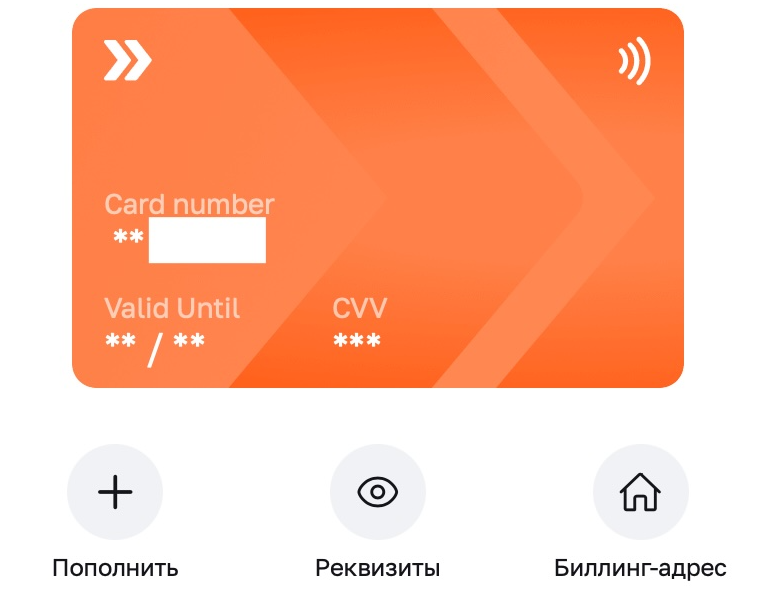
Go to the [mini-app](https://telegram.me/WantToPayBot?start=w17851188--luMLI), select your card, and tap the "Billing address" icon.
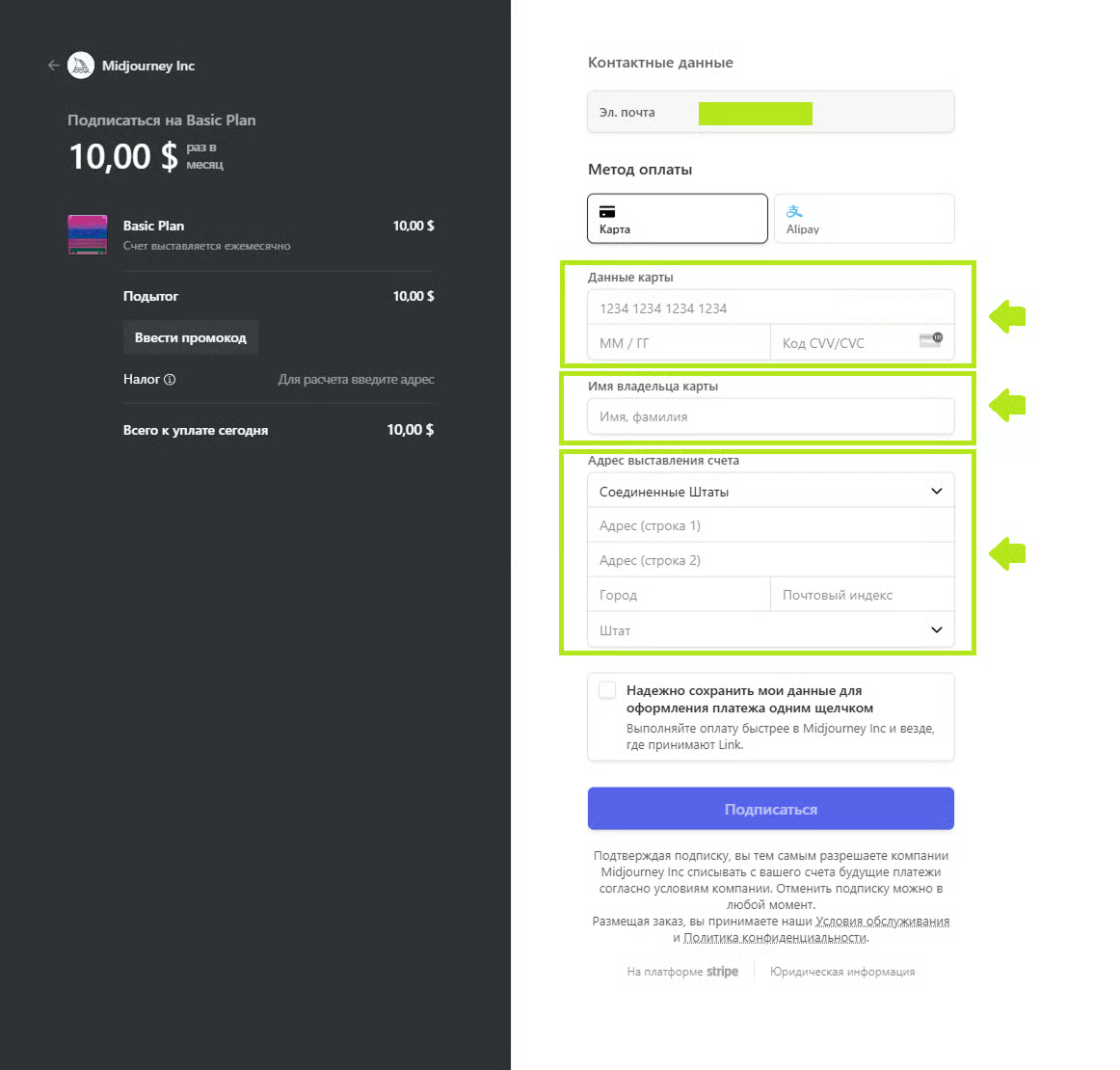
#### **Example of filling in a billing address**
Below is an example of how billing details are filled in on the service side.\
The screenshots are shown for example and may differ from the interface of a specific website or app.
***
{% hint style="info" %}
To avoid additional fees, conversions, and possible charges, use the billing address issued together with the card.
{% endhint %}
### What other details are important when paying
When making a payment, the service may check not only the billing address, but also several other parameters:
* **Card issuing country** — the country that the card is associated with according to the issuer’s data. You can find it in the app, in the same place as your card’s billing address.
* **Account country or region** — the country set in the service account.
* **Current location** — the country from which you are connecting to the service (IP).
* **Merchant country** — the country of the seller or service receiving the payment.
* **Payment currency** — the currency in which the service issues the invoice.
* **Shipping address** — the address where the item is delivered. It may differ from the billing address and does not determine the card’s country.
#### Which details must match?
It depends on the specific service. Some services check the card issuing country, billing address, account region, and current location at the same time. If the service requires these details to match, any discrepancy may result in the payment being declined.
**Shipping address is a separate parameter:** if you are paying for a product, it may differ from the card’s billing address and other details the service uses to verify the payment.
---
# Agent Instructions
This documentation is published with GitBook. GitBook is the documentation platform designed so that both humans and AI agents can read, navigate, and reason over technical content effectively. Learn more at gitbook.com.
## Querying This Documentation
If you need additional information that is not directly available in this page, you can query the documentation dynamically by asking a question.
Perform an HTTP GET request on the current page URL with the `ask` query parameter, and the optional `goal` query parameter:
```
GET https://faq.wanttopay.net/wanttopay-app/english/kak-polzovatsya-kartoi/billing-adres.md?ask=&goal=
```
`ask` is the immediate question: it should be specific, self-contained, and written in natural language.
`goal` is optional and describes the broader end goal you are ultimately trying to accomplish on behalf of the user. GitBook uses it to tailor the answer towards what is most useful for that goal.
The response will contain a direct answer to the question and relevant excerpts and sources from the documentation.
Use this mechanism when the answer is not explicitly present in the current page, you need clarification or additional context, or you want to retrieve related documentation sections.